
Settings
Connection status, connected platforms, admin notifications, usage, and the danger zone.
The dashboard Settings page covers server-level configuration: the Stripe connection, connected platforms, admin notifications, and usage visibility. Retention settings live on the Retention pages, and API keys and webhooks live under Developers.
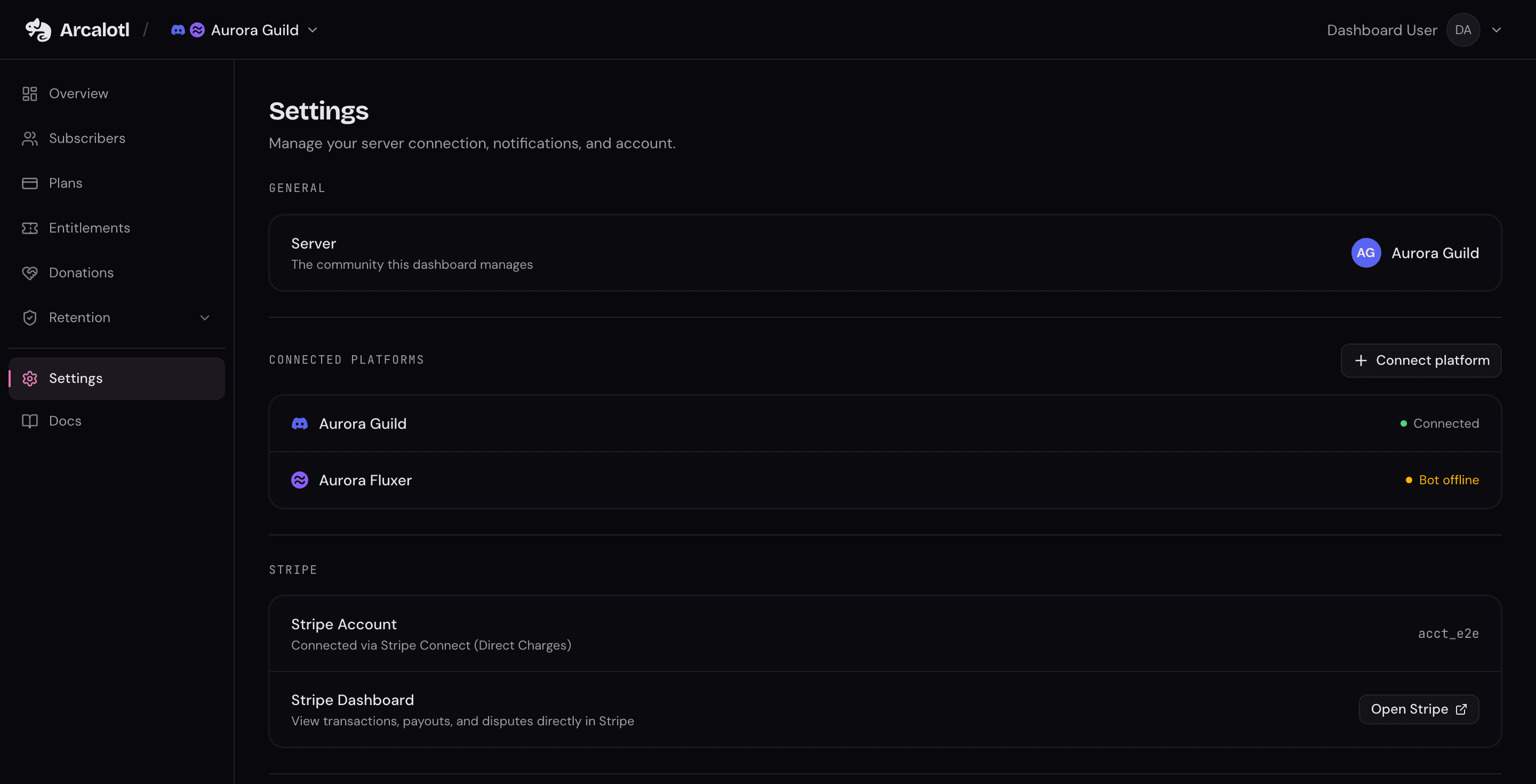
Connection status
Settings shows whether the community's Stripe connection is active, and links to the Stripe dashboard for the connected account. If setup is incomplete or Stripe is disconnected, the page says so and points at the fix.
Connected platforms
The Connected Platforms section lists every server linked to the community with its health: Connected when the bot is present, Bot offline when it is not. Use Connect platform to link another Discord, Fluxer, Telegram, or Stoat server with a one-time setup code.
See Connected Platforms for the full linking flow.
Language
Two rows decide what language your members hear: the community's Members' language and whether Arcalotl follows each member's own. See Set your members' language.
Admin notifications
Pick a channel for operational notifications and choose which events post there:
| Event | Sent when |
|---|---|
| New subscriber | A member subscribes to any plan |
| Subscriber churned | A subscription ends or is cancelled |
| Payment failed | A subscription payment fails |
| Payment recovered | A failed payment is successfully recovered |
| Cancel saved | A cancellation is intercepted with a save offer |
| Term upgrade | A subscriber switches from monthly to annual |
| Plan changes | A subscriber upgrades or schedules a downgrade |
| Billing operations | An admin cancels or refunds a subscription |
The channel list requires the bot to be in the server with permission to view channels.
Usage
Settings shows current-month usage metrics: revenue processed, transaction fees, revenue recovered, and total Arcalotl fees. Payout and processing-fee records live in the connected Stripe account.
Public channels
The member-facing subscribe and announcement channels are configured from
/arcalotl settings in Discord or Fluxer. See
Community Channels.
Danger zone
Two destructive actions live at the bottom of Settings:
- Disconnect Stripe: Stops payment processing for the community.
- Remove Arcalotl: Removes the integration from the server.
Both require confirmation and can be undone only by running setup again.